
Check where you are trying to listen
A call can show as connected while its sound is not where you expected. Before starting another redial session, check the call’s audio-device selection and decide which available output you want to use. AutoRedial documents this control alongside mute, keypad and speakerphone.
Changing output is not guaranteed to solve every sound problem. The network, phone or accessory may need a different check. Start by distinguishing “it does not connect” from “I cannot hear it here”.
One call, three separate questions
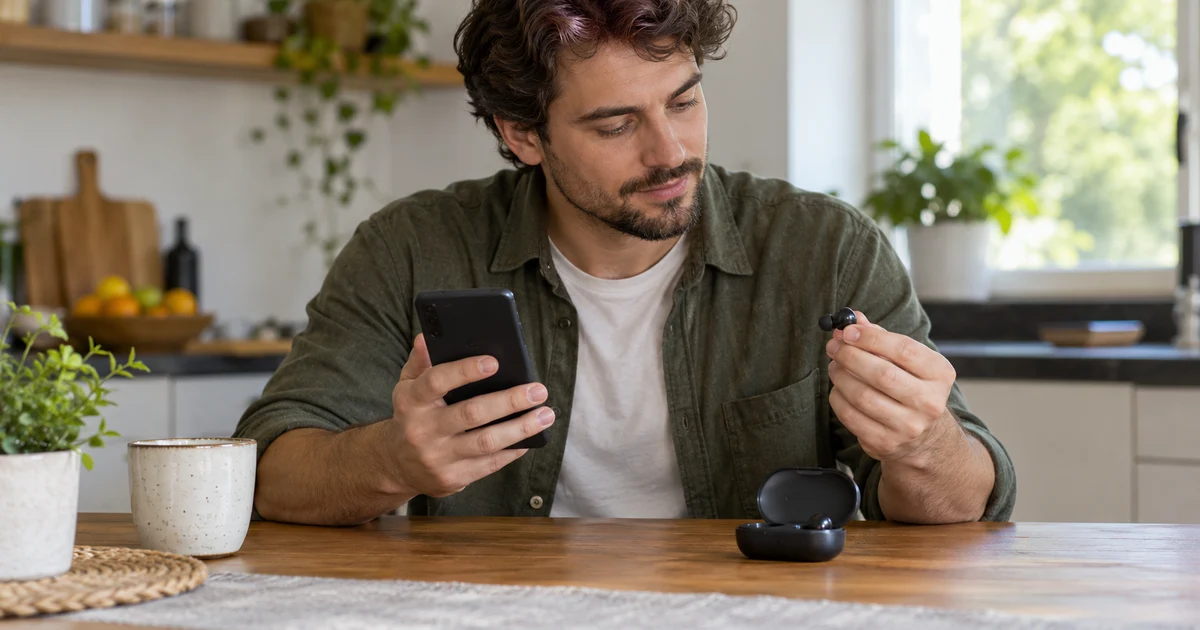
Fictional case: an earpiece is nearby, you are holding the phone and the screen indicates a connection. You do not know where the voice is playing.
- State: is the call still connected? Read the call information rather than inferring it from an earlier tone.
- Output: which device does the selector show, and which options are available now? Choose an available one and check the result with the other person.
- Microphone: can the other person hear you? Muting your microphone addresses that question, rather than choosing where you listen.
The goal is not three new attempts. It is identifying which part of the conversation is missing. Do not assume the app has connected every nearby headset or made it compatible: check the actual accessory.
Try the chosen output in an agreed test call
Open the call controls and find the documented selector. Review the available options, choose your intended output and ask the other person for a short phrase. Before using speakerphone, consider who else could hear private content.
Names and options depend on what is available on the device. This guide does not reproduce the interface or promise one Bluetooth label across Android phones. If the expected option is missing, check the accessory’s state and instructions. Changing redial intervals will not establish an audio output.
Connecting stops retries; it does not choose how you listen
The AutoRedial facts explain that retries stop when Android reports a connection and the conversation continues normally. The app does not automatically hang up an active call or analyse audio to distinguish a person from a recorded message. Calling again is not the same check as reviewing the audio device during that conversation.
Phone by Google documents its call options; the Water Labs listing presents another redial approach. Both were read on 26 October 2026; their controls are not attributed to AutoRedial.
AutoRedial is a paid app for Android 10 or later and must be the default dialer. Check Google Play for price, availability and compatibility. If the test still fails, retain the observed state and selected device to describe a specific problem, without publishing phone numbers or call details.